- calendar_today August 22, 2025
Microsoft is exploring AI more thoroughly, and not just with its Copilot function. Although Windows Copilot is preparing for its formal launch this autumn, that is just one aspect of the situation. The tech giant is experimenting with AI-driven improvements for a number of its core apps, according to a recent report from Windows Central.
We are discussing Snipping Tool, Camera, Photos, and even the classic Paint app. Paint, indeed. These are not merely small improvements in quality of life. These apps appear to be getting a significant AI makeover from Microsoft.
Adding OCR to Screenshots and Pictures
Let’s begin with the Snipping Tool, Camera, and Photos. It is probable that these applications will acquire optical character recognition (OCR) capabilities. For you, what does that mean?
Consider simply copying the text from a quote or product description that you have taken a screenshot of into a document. OCR provides that kind of seamless utility. Apple users have been taking advantage of this feature on macOS and iOS for some time now.
That’s not all, though.
Soon, the Photos app might be able to identify objects and people in your photos. After that, it might make it simple for you to distinguish these elements from their backgrounds, just like Photoshop and other sophisticated tools already do. That’s a significant improvement for both content producers and casual users.
Microsoft Paint’s AI-Generated Art?
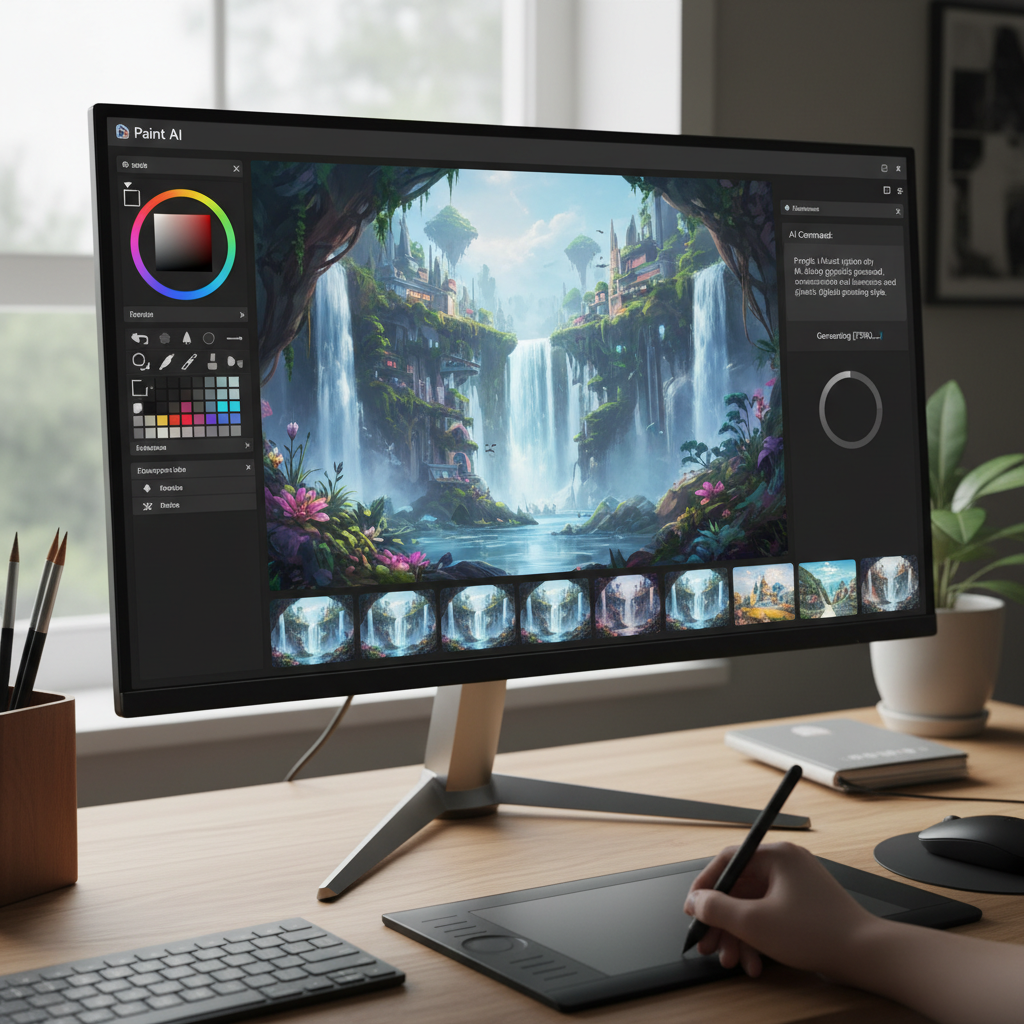
Unexpectedly, Microsoft Paint is also on the list of apps that are becoming smarter. Indeed, generative AI may soon be supported by the same app that many of us used as children for simple drawings and doodling.
What is under consideration? the capability of producing images from straightforward text commands. Imagine: “Draw a sunset over a mountain with a cabin” — and Paint will take care of the rest. It’s comparable to what Bing’s Image Creator, which employs a DALL·E-based model, already offers or what Adobe Photoshop currently offers through its Firefly integration.
Naturally, Paint won’t become a professional design suite right away with these tools. But for daily use? This feature might be entertaining and surprisingly potent.
Using NPUs for Local AI Processing
Here’s the catch, though. Certain features may only function if your computer has a neural processing unit (NPU).
Compared to conventional CPUs or even GPUs, these specialized chips perform AI-related tasks far more effectively. The leaders in this field thus far have been Qualcomm’s Snapdragon Arm processors. However, Intel’s upcoming “Meteor Lake” chips and AMD’s new 7040-series chips are now competing in the NPU market.
Running AI tasks locally, on your computer, results in improved privacy, quicker performance, and fewer reliance on the cloud. It also covers worries about private information being processed online or AI models being trained on your own material.
There aren’t many NPU-only features in Windows 11 at the moment. These primarily improve video calls; consider lighting adjustments, auto-framing, and background blur. However, your local NPU may soon be able to perform far more complex tasks thanks to these impending app integrations.
Not Another Chatbot
What’s refreshing is this: Microsoft isn’t merely stuffing its operating system with yet another ChatGPT-style bot. Rather, it’s implementing practical, background AI improvements—the kind of things we referred to as “machine learning” a few years ago.
This seems more like practical, everyday use than a gimmick.
Imagine artificial intelligence (AI) that speeds up tasks like organizing your photos, creating art, or extracting text from images. And none of this requires a cloud account or an internet connection.
Users can support that in the future.